NEW · TOOL OF THE DAY · 12 NOVEMBER 2026
Hadi AI Review: Can a New Desktop Agent Be Trusted With Real Tasks?
Last fact-checked: November 12, 2026. This review is based on Hadi’s current product, pricing and legal pages, plus independent comparison research. We have not performed hands-on testing.
The small task that is never quite small
At the end of a workday in Karachi, a project manager has one modest plan: find the latest supplier invoice, draft a short email, attach the right file, and send it before the office closes. The problem is not writing the email. It is the familiar trail of tabs, downloads, filenames and half-finished reminders that turns a five-minute job into an archaeological expedition.
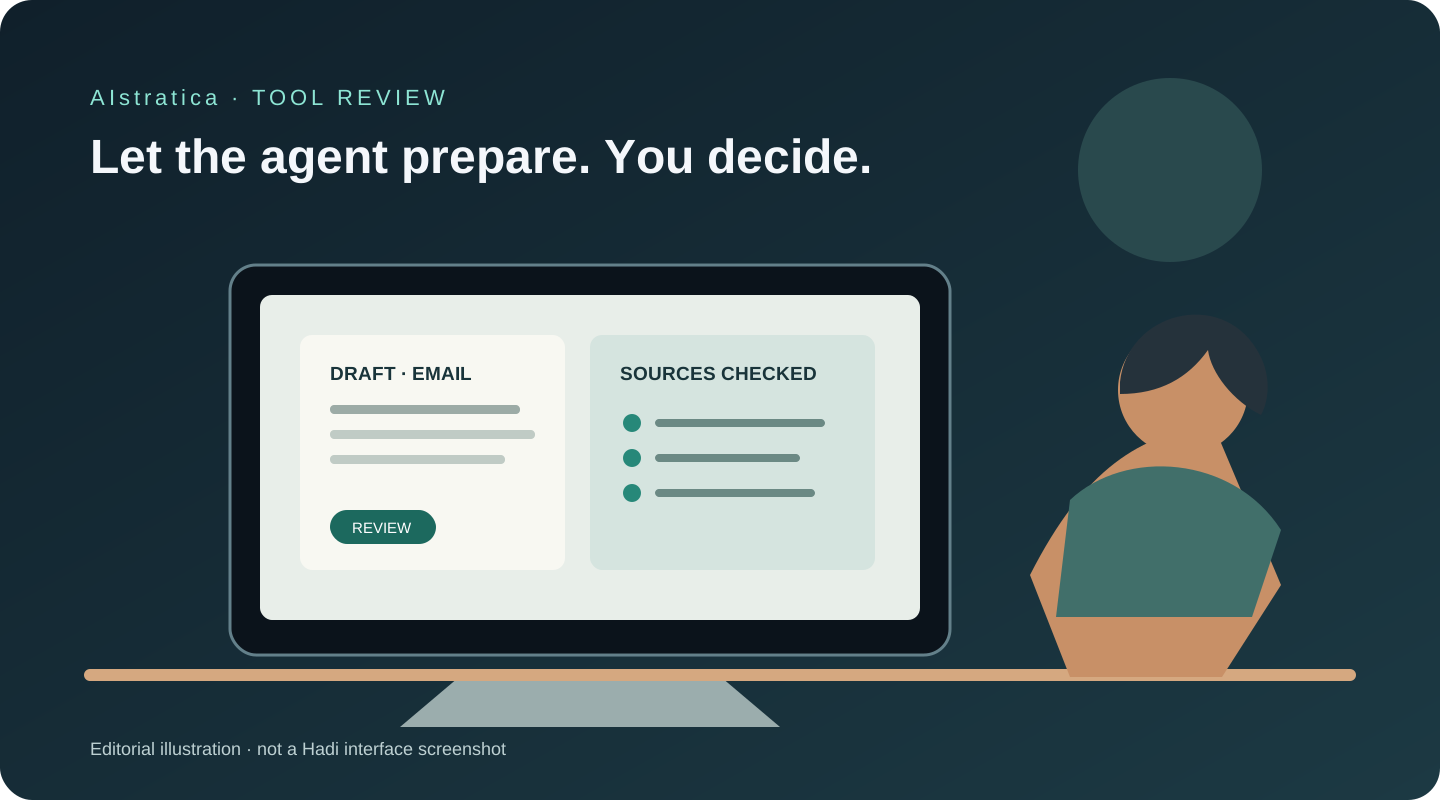
Imagine, for illustration, that she gives a desktop assistant the whole task instead of a question. It searches her files, drafts the message, and pauses before sending. That is the promise behind Hadi: a new AI agent designed to operate across a person’s browser, desktop apps and files. The key word is promise. Hadi’s public launch was November 10, so its broad claims deserve a careful reading before anyone hands it the keys to their inbox.
What Hadi does
Hadi is developed by Hadi AI, at gethadinow.com. It is presented as a computer-using assistant for Mac, Windows and Linux, with iPhone and Android companions. Instead of returning instructions alone, it can use a browser, connected services and local files to carry out a sequence of actions. A user can ask it to research a question, sort documents, draft a reply, prepare a spreadsheet, or plan a booking.
A conventional chatbot gives you a recipe. An agent is supposed to walk into the kitchen, find the pan and start cooking—while leaving the stove’s final switch to you. Hadi says it pauses for approval before sending, posting, paying, booking or deleting, and lets users monitor or stop tasks. Those are meaningful design choices, but they do not make every intermediate step correct.
What looks useful—and what to verify
1. Tasks that cross apps
Hadi says it can move from a local file to an email draft, or from a browser search to a document. That can reduce the copy-and-paste relay between apps. A realistic use is asking it to locate three public reports, extract dates and figures into a comparison table, and save a draft document.
The limitation is that multi-step work creates more places for a mistake to hide. A wrong file, misunderstood recipient or stale web page can make a polished result less useful than it looks. Review the sources and the proposed actions before approval.
2. A browser that can act
The company says Hadi can use Chrome, Brave or Edge where the user is already signed in, search, compare options and fill forms. It also says that purchases wait for approval. This could help with repetitive administrative steps, such as assembling a travel shortlist or entering data into a routine form.
Web pages change their layout, contain misleading instructions and sometimes ask for information that should not be shared. A human should supervise the browser, particularly when a page contains payment, identity or account details. “It asks before it pays” is a useful boundary; it is not a substitute for checking what is in the basket.
3. Connected services and documents
Hadi lists integrations such as Gmail, Google Calendar, Sheets, Notion, Slack, GitHub and LinkedIn, and says it can work with Word, Excel and PowerPoint files. The practical appeal is a workflow that can gather material, draft a report and prepare a reply without making the user open every app by hand.
Integration names do not tell us the exact permission scope, regional availability or reliability of each connector. Before connecting an account, inspect the permission screen and grant only what the task needs. Start with a spare document or a test account if possible.
4. Human approval and task visibility
The product says it shows its steps, asks before external actions and can be stopped. Those safeguards matter because an agent does not merely produce text: it can change files or interact with other people’s accounts. Approval cards are most useful when they show a concrete recipient, content, cost or change—not a vague “continue?” prompt.
We could not independently verify how consistently the approval boundary works across every integration. Treat it as a feature claim pending hands-on testing, and keep the first tasks low-stakes.
5. Desktop, phone and voice
Hadi’s product pages describe desktop work with mobile monitoring and approval, plus voice and text input. That could make an assistant easier to use away from a desk. The official site lists Mac, Windows and Linux, and companion apps for iOS and Android.
A phone can make approvals convenient, but convenience can also make a consequential action feel like tapping through a notification. Read the approval details before confirming. The product is new, so platform-specific differences and edge cases may still surface.
Try Hadi in 20 Minutes
This starter project tests research and document preparation without asking Hadi to send anything or alter important files.
- Install from the official download page and review the permissions it requests. Do not connect your primary email or work accounts for this first exercise.
- Choose a low-risk question, such as: “Compare three public sources on how AI data centres use electricity. Prefer government, university or company technical sources, and include publication dates and links.”
- Ask for a one-page draft in a new document. Use this prompt: “Create a table with source, date, main claim, evidence and a limitation. Quote no more than one short phrase from each page. Do not email, post, purchase, delete, or change any existing file. Save a new draft called
AI data centres — source checkin a new folder I approve.” - Watch the steps. If it cannot identify its source or proposes a surprising file operation, stop and refine the request.
- Check every link and number against the source pages. Keep the result only if the citations support the table.
The 20-minute goal is a checked first draft, not an automatically reliable research report. If installation, permissions or document creation take longer, the review itself is the useful test.
Pricing and plans
Hadi’s official pricing page lists these prices in U.S. dollars. Verified November 12, 2026.
| Plan | Monthly billing | Annual billing | Published allowance |
|---|---|---|---|
| Free | $0 | Not listed | 15 agent tasks/month, 10 live voice conversations/month, 2 integrations, 100 chat messages/month |
| Pro | $20/month | $216/year ($18/month equivalent) | 180 agent tasks/month; unlimited talk, chat and integrations |
| Max | $80/month | $864/year ($72/month equivalent) | 1,000 agent tasks/month; unlimited talk, chat and integrations |
Hadi counts tasks, not each click: one request may include several steps. That makes the limit easier to understand, but it also means a task that needs retries may use the same allowance while delivering less value. The company advertises a student offer of $10 for the first Pro month, then $20/month, subject to verification. The page does not list a credit system or commercial-use licence terms; check its terms and your organization’s policy before using it for client work.
How it compares
| Product | Distinctive strength | Suits | Trade-off |
|---|---|---|---|
| Hadi | Broad desktop, browser, files and phone hand-off in one workflow | People who want an agent to span several everyday apps | Very new; verify permissions, reliability and data handling before connecting sensitive accounts |
| Clicky | Screen-aware help and agent tasks on Mac and Windows | Users who want on-screen guidance and a narrower desktop workflow | Its official plan page lists fewer monthly agent messages on Pro than Hadi’s task allowance; task/message units are not directly equivalent |
| Claude Cowork computer use | Computer interaction integrated with Claude’s desktop workflow | Existing Claude subscribers who need supervised work with local apps and files | Anthropic labels computer use beta; it is limited to supported desktop platforms and paid tiers |
See Clicky’s official site and Anthropic’s computer-use documentation. These products count usage differently, so the numbers are not a like-for-like performance score.
What doesn’t work well—or remains unclear
The product is only two days past its announced launch. There is not yet enough independent, long-term evidence to know how reliably it handles varied apps, unusual page layouts or failed steps. Hadi’s own materials describe what it is designed to do; that is not the same as a verified success rate.
Privacy documentation needs careful reading. Hadi says files and sign-ins stay on the computer, but its computer-use FAQ also says the conversation is sent through Hadi’s servers to AI models. Its published privacy policy is explicitly scoped to the mobile app and says it does not cover the gateway, server, AI provider or connected services. Its terms say logs of actions and API responses are stored for debugging and safety audit. These statements describe different parts of the system; they do not provide a complete, consolidated retention policy for desktop tasks. Until that is clearer, do not use Hadi with confidential work, health records, financial accounts or another person’s private data.
Approval does not eliminate prompt-injection risk. A web page or document may contain instructions intended to mislead an agent. Even if the agent asks before sending or paying, it may still read the wrong content or prepare a flawed draft. Keep supervision on and avoid granting broad access at the start.
The workflow may be slower than a direct integration. Clicking through a screen is less predictable than a purpose-built connector. If you already know how to complete a task in two minutes, the agent’s setup and review may not save time.
Plan limits are not a promise of successful work. Fifteen free tasks are enough to explore, but a complex task can consume attention even if it finishes within a single task count. Pricing and allowances may change; confirm them before subscribing.
AIstratica’s verdict
Best for: Curious users who want to try a supervised computer agent on ordinary, reversible tasks. Worth trying? Yes, the free plan offers enough tasks to test a few workflows without paying. Worth paying for? Not yet on the strength of feature claims alone; first establish that it is reliable for your own tasks and that its data handling fits your needs. Biggest strength: It aims to connect browser, desktop files, apps and phone approvals in one workflow. Biggest limitation: The product is too new for an independent reliability assessment, and its public privacy materials do not yet give a single clear account of desktop data retention.
This is a documentation-based review, not a hands-on test. We have distinguished Hadi’s stated capabilities from independently verified performance.
The imagined project manager in Karachi may save a few minutes if the agent finds the right invoice and prepares a sensible draft. The human still has to check the address, amount and attachment. A good assistant can take the maze of tabs off your hands; it should not take your judgement with it.
Sources
- Hadi: What it does (accessed November 12, 2026)
- Hadi: Computer use and FAQ (accessed November 12, 2026)
- Hadi: Pricing (accessed November 12, 2026)
- Hadi: Privacy policy (accessed November 12, 2026)
- Hadi: Terms of service (accessed November 12, 2026)
- Clicky: Official website and pricing (accessed November 12, 2026)
- Anthropic: Claude Cowork computer-use documentation (accessed November 12, 2026)